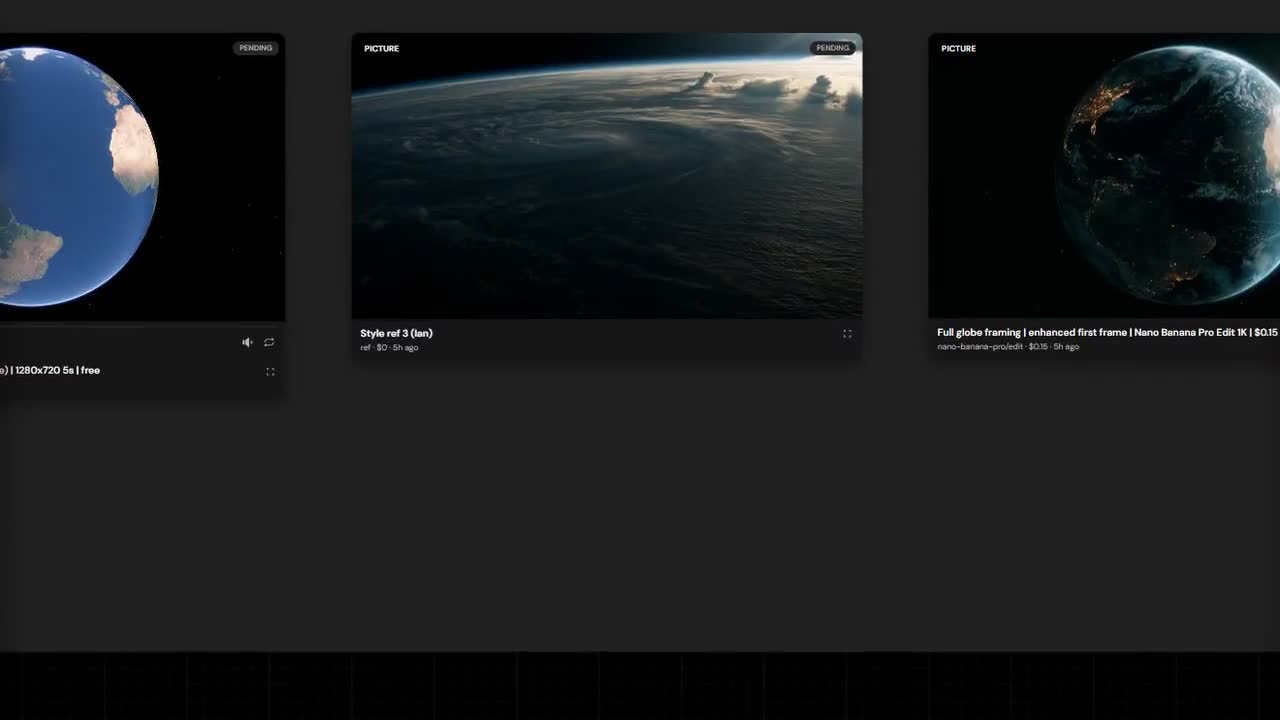
Too many windows
Making a film with AI means a lot of moving parts. Pictures, characters, locations, shots, the cost of each try. They tend to end up in six different places, and nobody can find anything.
If you've worked on a production, or run any team that makes things, you know that loose-file feeling.
So I built a workspace
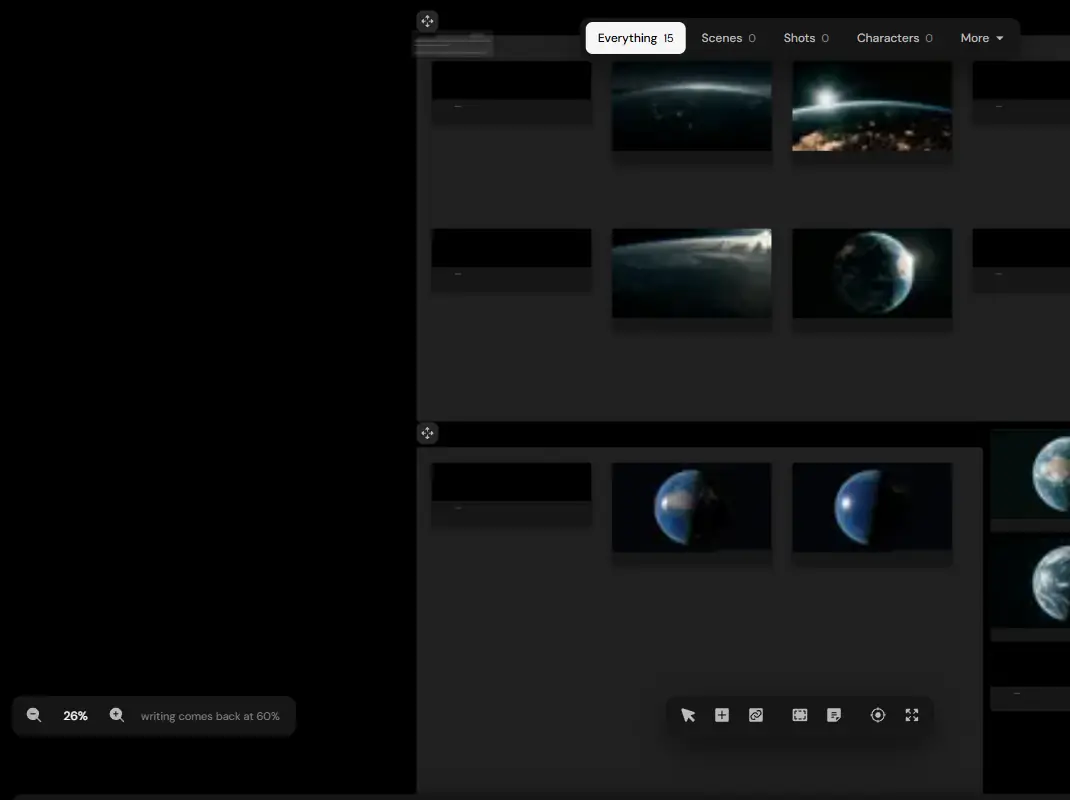
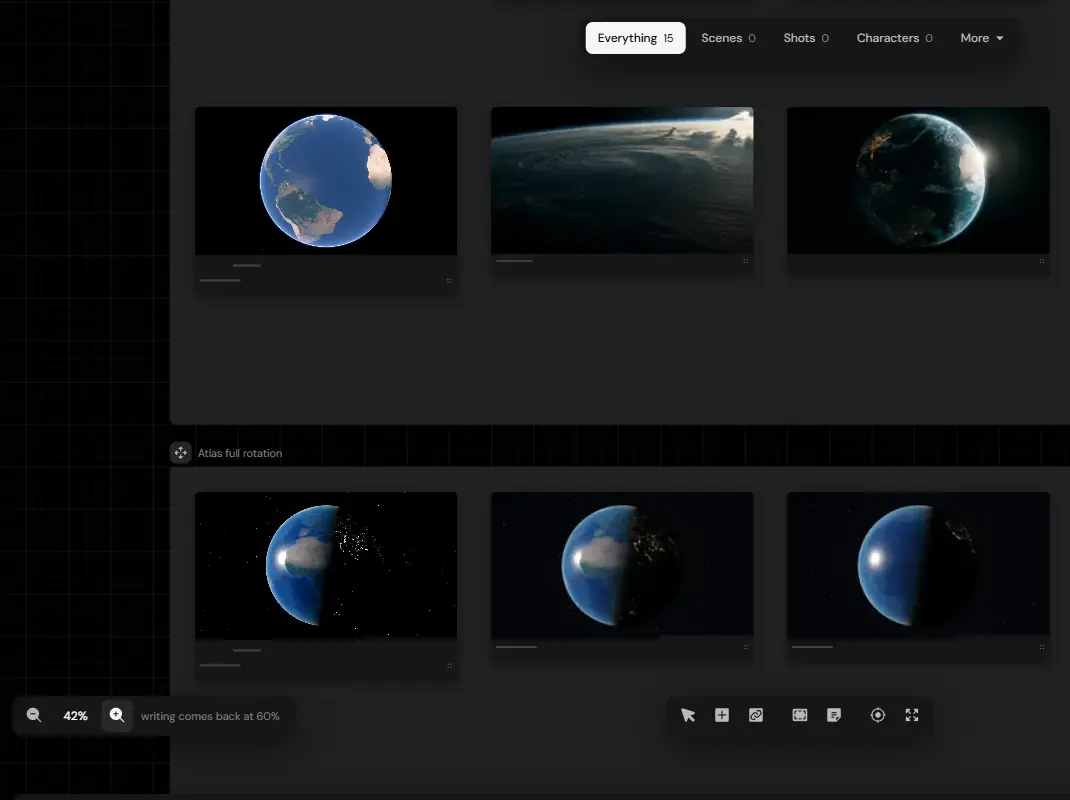
It's built around Studio: a board where a film's projects, characters, styles, locations and shots sit together, with the cost of each one beside it.
Around it sits a set of small apps, a dozen or so, on my own server, in one look, opening from one home screen.

What's in it
Each app does one job. Here are a few.
- Studio: projects, characters, styles, locations, shots, costs
- 3D Blocker: block a shot before you make it
- Estimator: an AI video budget
- Pipeline: a look-first AI video pipeline
- Writer: the writing room
- Lineup: every model at real scale
- Brand Lab: develop a mark in 3D
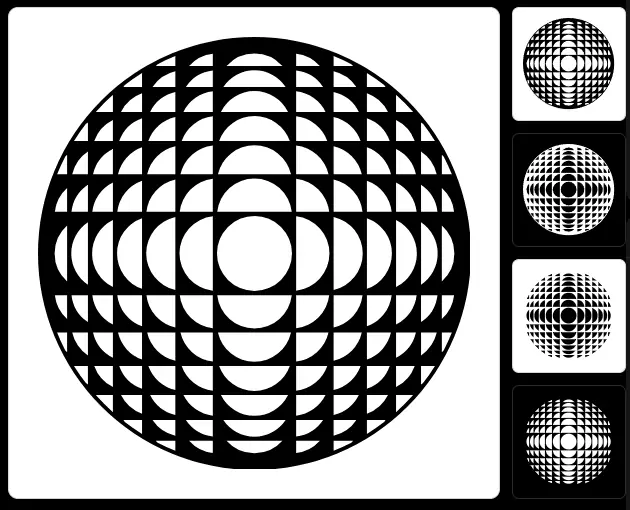
- Orb Builder: a symbol as rules with sliders
- Music: scored cues from a written brief
- Design HQ: the design system, live
Block it before you make it
My favourite is the 3D Blocker. You place people, props and a camera to scale, and what you capture carries its settings back to the board. It means I decide where everyone stands before I ask an AI to draw them.
What it opened up
These tools show what I mean by connecting crafts. Design, code, 3D and film are all in the same room, so I can try an idea quickly and keep what works.
It's live, it's still being built, and it's with a few alpha testers. If your team's work is scattered across too many tools, I know how to help with that.
What it took
- Web and apps
- Interface design
- AI workflows
- Real-time 3D
- Previs
- Data visualisation